> ## Documentation Index
> Fetch the complete documentation index at: https://docs.odin.fun/llms.txt
> Use this file to discover all available pages before exploring further.
# Welcome to Odin.fun
> Odin.Fun is the fastest way to trade tokens on Bitcoin.
Create tokens in seconds. Buy and sell tokens on a pump fun style bonding curve at lightning speed. Deposit and withdraw liquidity as fast as you can click in our built-in AMM. Buy and sell along the AMM curve just as quick as the bonding curve. Everything is lightning fast and updates in real-time.
## How to integrate your Bitcoin apps with Odin
Odin uses a two-phase authentication process:
Request a unique message from the SIWB canister that needs to be signed with your Bitcoin wallet.
Sign the message with your Bitcoin wallet and exchange it for an Internet Computer identity.
Use your authenticated identity to interact with Odin services.
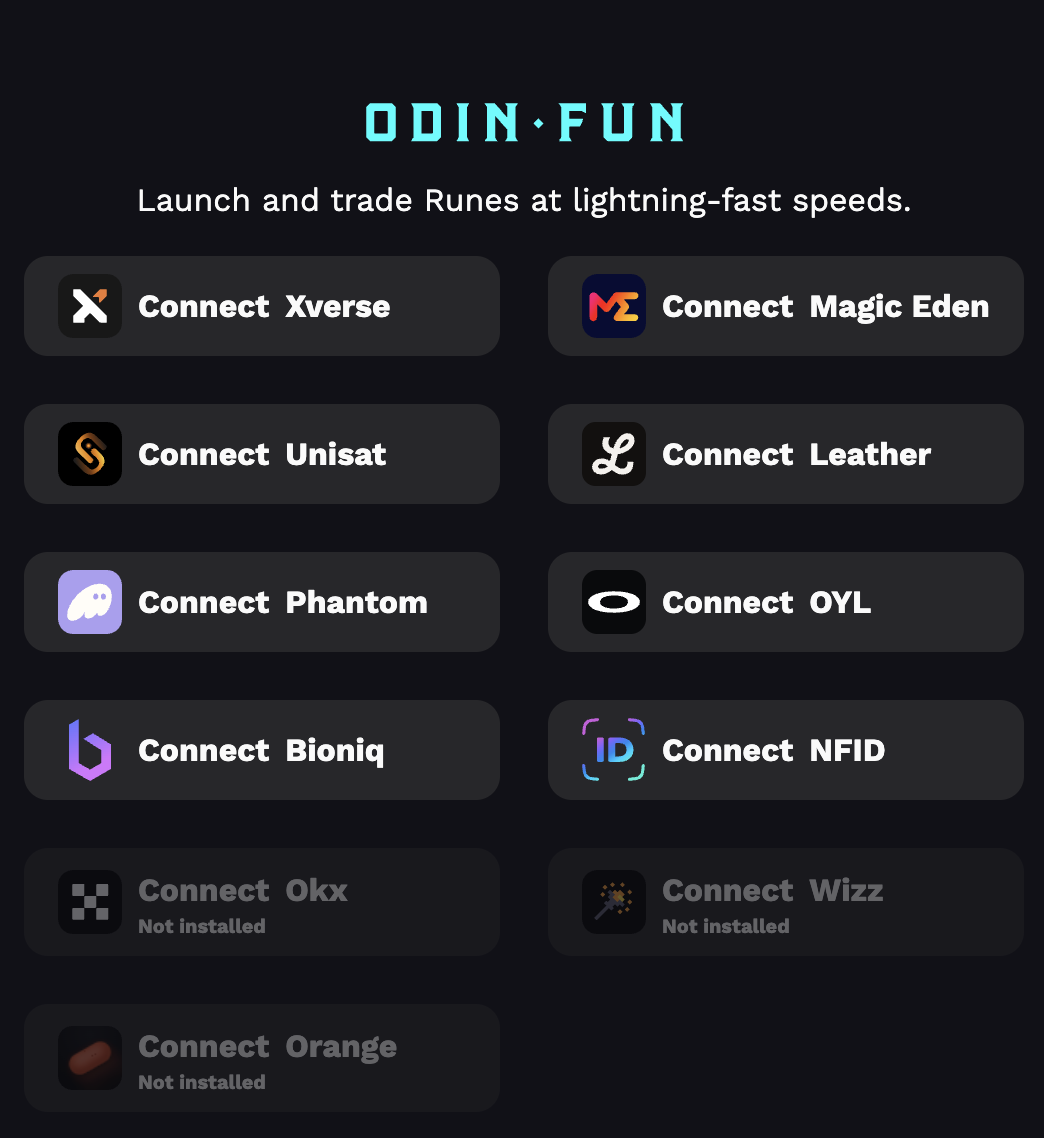
## Supported Wallets
Odin supports a wide range of Bitcoin wallets some of them are:
 ## Getting Started
Ready to integrate Odin into your project? Our quickstart guide will walk you through building a complete SDK to interact with Odin in just a few steps.
Learn how to integrate Odin authentication into your application with our step-by-step tutorial
## Use Cases
A comprehensive analytics dashboard providing real-time insights into Bitcoin meme coin trends, trading patterns, and market sentiment analysis
A comprehensive toolkit for creating, launching, and marketing Bitcoin-native meme coins, including design tools, tokenomics templates, and marketing automation
A social trading platform where users can follow successful meme coin traders, copy their strategies, and participate in trading competitions and challenges.
## Prerequisites
Before you start building with Odin, make sure you have:
Node.js 18.0.0 or higher for running the SDK
TypeScript 5.0.0 or higher (recommended for type safety)
A Bitcoin wallet that supports message signing (BIP322 or ECDSA)
Understanding of Bitcoin addresses and digital signatures
## Architecture Overview
Odin's architecture consists of three main components:
1. **Authentication**: SIWB canister or any other valid ICP identity method.
2. **Odin Canister**: Smart contract responsible for handling trading actions and token operations.
3. **Odin API**: Allows you to interact with data generated by the canister and access additional functionality
## Next Steps
Jump into our hands-on quickstart guide
Explore the complete API documentation
Browse example implementations and use cases
Join our developer community and get support
## Getting Started
Ready to integrate Odin into your project? Our quickstart guide will walk you through building a complete SDK to interact with Odin in just a few steps.
Learn how to integrate Odin authentication into your application with our step-by-step tutorial
## Use Cases
A comprehensive analytics dashboard providing real-time insights into Bitcoin meme coin trends, trading patterns, and market sentiment analysis
A comprehensive toolkit for creating, launching, and marketing Bitcoin-native meme coins, including design tools, tokenomics templates, and marketing automation
A social trading platform where users can follow successful meme coin traders, copy their strategies, and participate in trading competitions and challenges.
## Prerequisites
Before you start building with Odin, make sure you have:
Node.js 18.0.0 or higher for running the SDK
TypeScript 5.0.0 or higher (recommended for type safety)
A Bitcoin wallet that supports message signing (BIP322 or ECDSA)
Understanding of Bitcoin addresses and digital signatures
## Architecture Overview
Odin's architecture consists of three main components:
1. **Authentication**: SIWB canister or any other valid ICP identity method.
2. **Odin Canister**: Smart contract responsible for handling trading actions and token operations.
3. **Odin API**: Allows you to interact with data generated by the canister and access additional functionality
## Next Steps
Jump into our hands-on quickstart guide
Explore the complete API documentation
Browse example implementations and use cases
Join our developer community and get support